
Less Switching. More Mental Peace.

Write what's on your mind, finish tasks from your home screen, and let Scout, your AI assistant, plan the rest.

Download on Google Play

Available soon on iOS

Built around three simple promises

Less typing. Less switching. More doing.

Tructivity is designed so organizing your semester takes seconds, not hours, and so you rarely need to open the app just to keep up.

01 AI capture

Write what's on your mind. Get a plan.

No forms, no fiddling with dates. Type it the way you'd text a friend, or drop in a photo or a PDF, and Tructivity turns it into a plan you can actually follow.

  • Long-press the button and just write. Scout turns it into structured tasks, events or homeworks.
  • Take a picture or pick a PDF, and Tructivity pulls the tasks, events and deadlines out of it.
  • Paste a whole week of notes or a copied email and get up to 20 items in one go.
  • Say “every Monday and Thursday until the exam” and get one repeating item, or ask for steps and a big assignment becomes a subtask checklist.
  • Every result opens in a review sheet first. Edit a card, remove it or set its reminder, and nothing is saved until you tap Save.
02 Home screen

Get things done without opening the app.

Your day lives on your home screen. See what's next, tick it off, and move on, without opening the app and getting pulled into everything else.

  • Tick items off straight from the Timeline widget. Overdue work is highlighted, and recurring items complete one occurrence at a time.
  • Mark done or snooze right from the reminder notification. You choose the snooze time, from 1 to 15 minutes, in the Settings page.
  • More widgets for every habit: Timetable, Schedule, an Exams & Quizzes countdown, your Focus streak and Can I Skip.
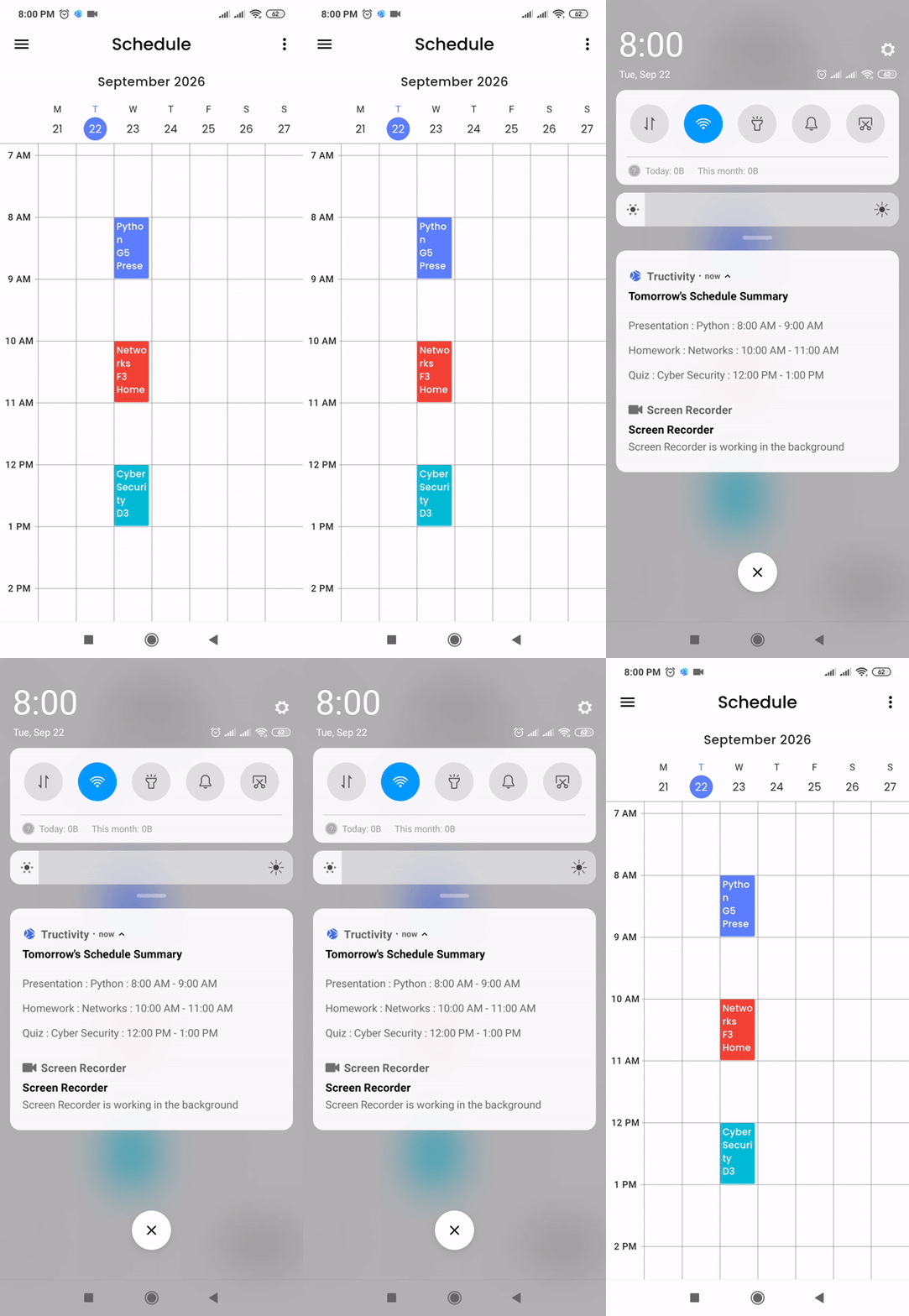
  • Get a summary of tomorrow every evening at 8:00 PM, and change the time whenever you like.
  • Class reminders are yours to set: choose 0 to 60 minutes before each class starts, or set one default for all of them.
03 AI Scout

An assistant that knows your schedule.

Scout knows your schedule, so you don't have to explain your week every time you ask for help. Ask a question, get a plan, and approve every change.

  • Scout reads everything in the app, knows how to navigate it and what every tab does, and tells you what needs attention next.
  • Open the Schedule page, tap Plan revision with Scout on any exam or quiz, and get a revision plan.
  • Ask real questions like “Am I free Thursday evening?” or “What grade do I need on the final?” and get answers from your own data and the app's calculators, not guesses.
  • Save notes about your studies in Memory, and Scout uses them in every answer.
  • Every change Scout proposes waits for your approval, and an Undo button takes back what it just did.

Your Course Setup Shouldn't Be Another To-Do List

Syllabi are long and university calendars keep changing. Import one, connect the other, and your courses, class times and deadlines set themselves up, so you spend less time organizing and more time on what actually matters.

auto_awesome Syllabus & LMS arrow_forward Smart Plan

How it works

From syllabus to a plan you can follow

  1. 1

    Syllabus Import

    Upload a PDF or a photo of your syllabus. Tructivity creates the course with its grade split, adds the teacher, fills in your weekly class times and lists every dated exam, quiz and assignment.

  2. 2

    Connect University

    Paste your university's calendar link, no password needed, and your deadlines land in the Schedule. When your university moves one, you see what it was and what it is now, and you decide.

    CanvasMoodleBlackboardBrightspace.ics
  3. 3

    It never guesses

    If the syllabus doesn't say something, Tructivity leaves it blank instead of inventing it. Items without an exact date are flagged in red, so you can add them yourself.

Found in Syllabus.pdf

auto_awesomeAI
Help shape it

Tructivity is new.Your feedback shapes it.

It is built and run by one person, so every review and every message is read by the person who builds the app.

A note from the founder

Built by one person, for students

“I am building Tructivity on my own, for students who are tired of juggling too many apps. It is still young, so your honest opinion decides what I fix and build next.”

Frequently Asked Questions

Learn. Plan. Achieve.

Tructivity all-in-one student planner walkthrough
PRODUCTIVITY

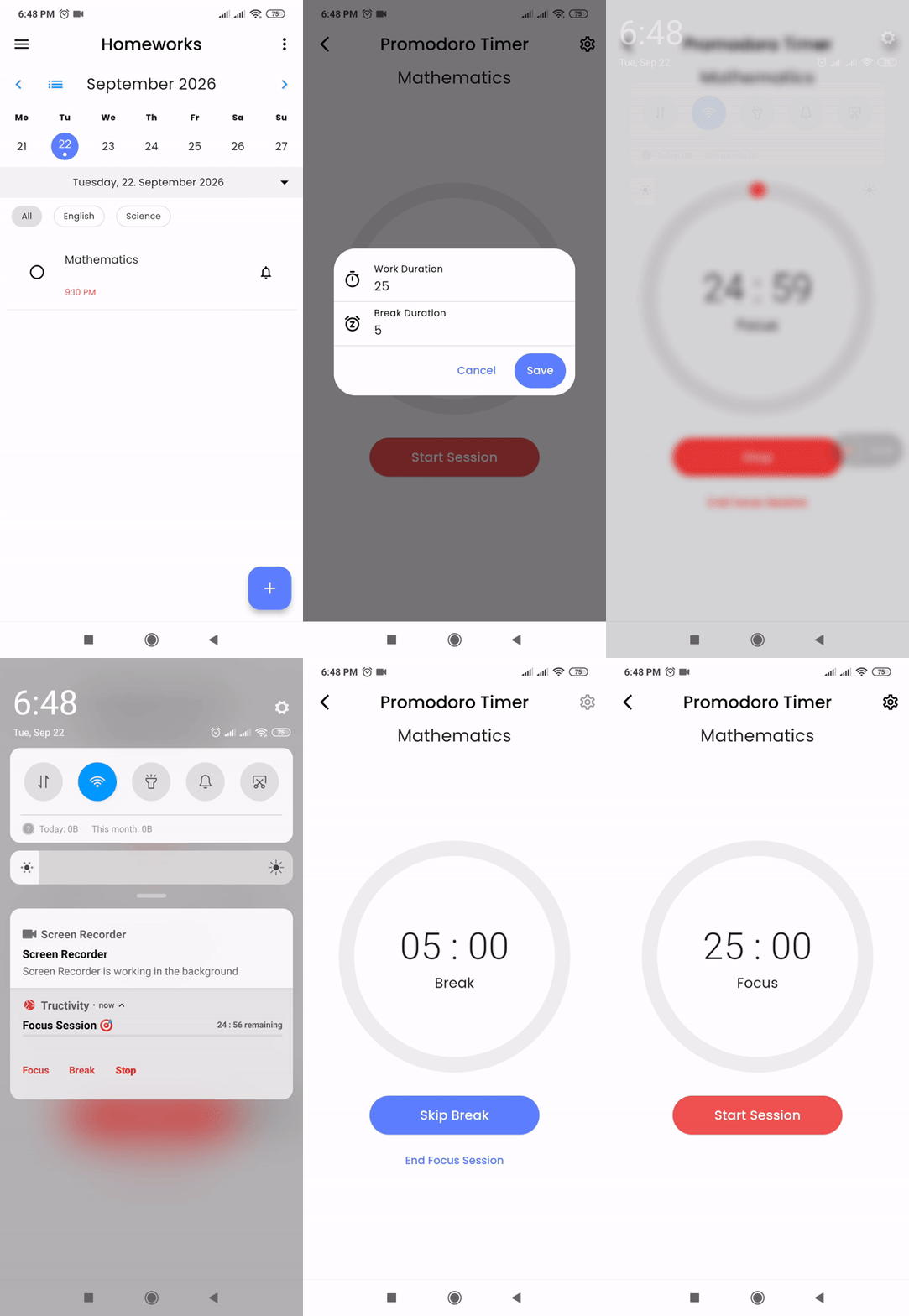
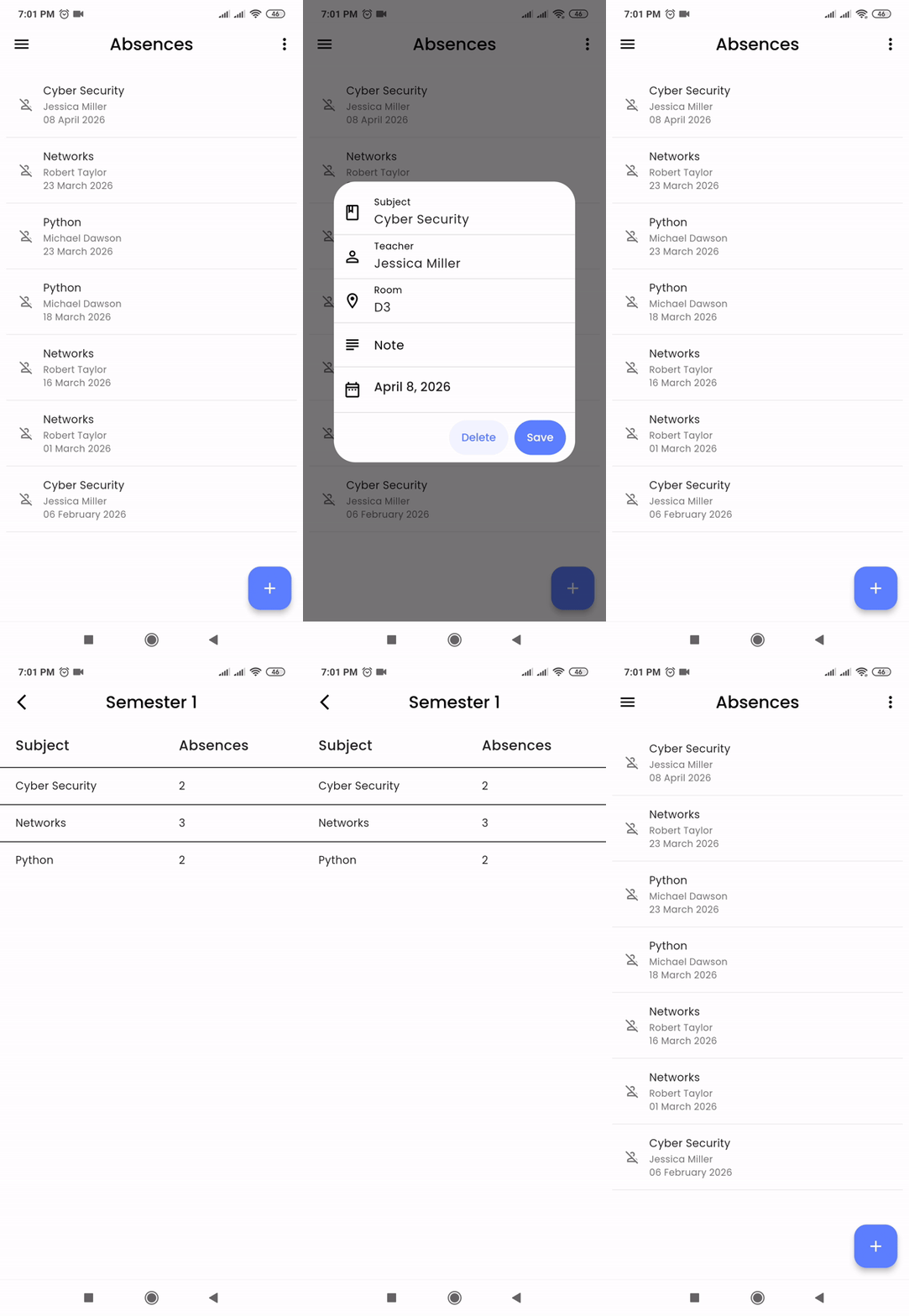
How to Use Tructivity: The Complete Guide to Your All-in-One Student Planner

Most apps give you a blank slate. Tructivity gives you a system — but a system is only powerful when you know how to use it. This guide walks you through every page, in the right order, so you get value from day one instead of week three.

Read More arrow_forward
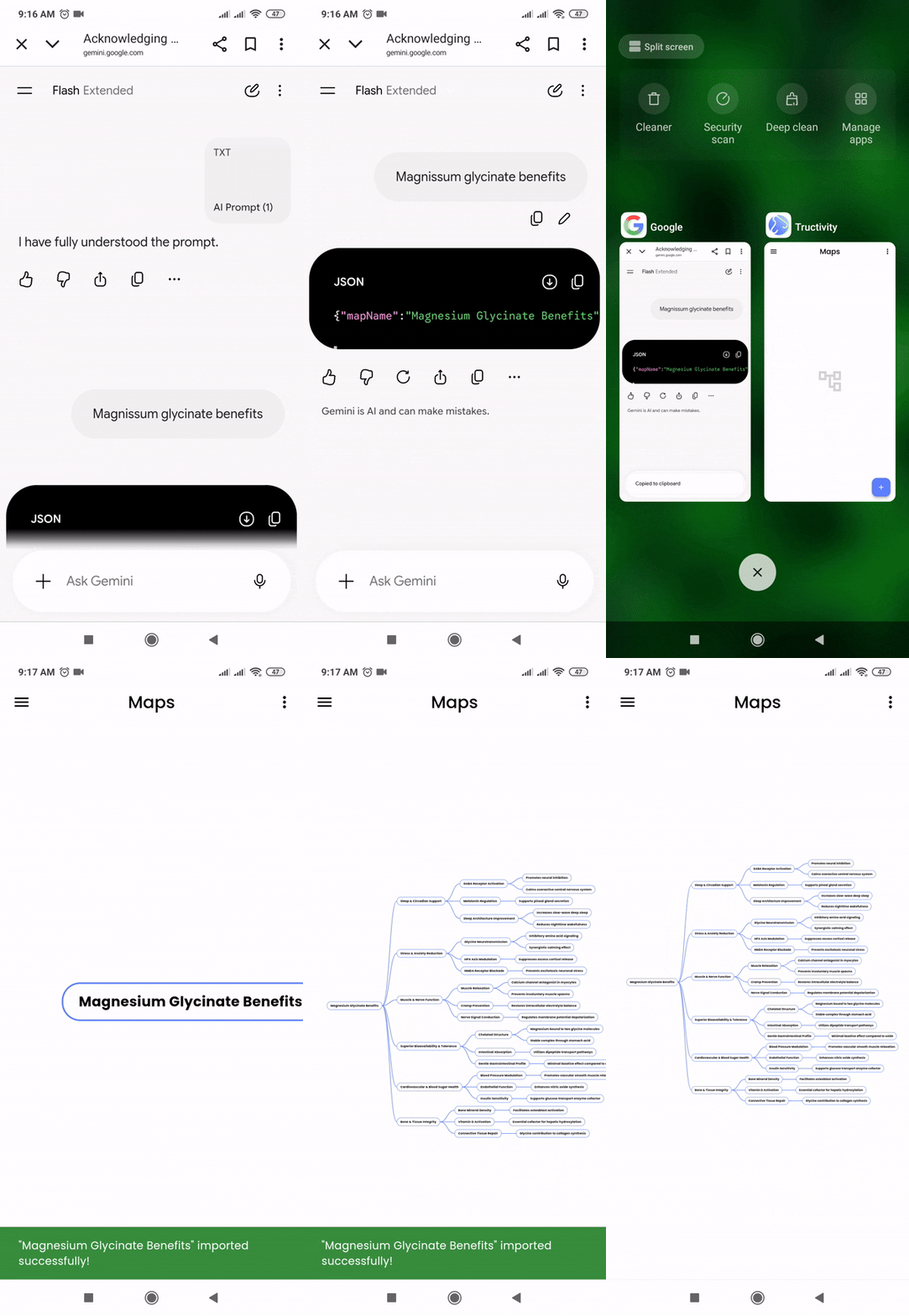
AI Mind Maps
PRODUCTIVITY

How to Create Unlimited Free AI Mind Maps in Tructivity (Step-by-Step Guide)

Most apps charge you per mind map because they're paying for the AI behind it. Tructivity doesn't — because you bring your own AI.

Read More arrow_forward
Transgenerational Productivity
PRODUCTIVITY

Transgenerational Productivity: Continuity as a Competitive Advantage

Recover 100+ hours lost annually; discover how Tructivity ends tool fatigue and evolves with you from university to parenthood.

Read More arrow_forward
Tructivity

A calmer semester starts here.

Tructivity is completely free to download and use. Import your syllabus, connect your university, and ask Scout what's due this week.